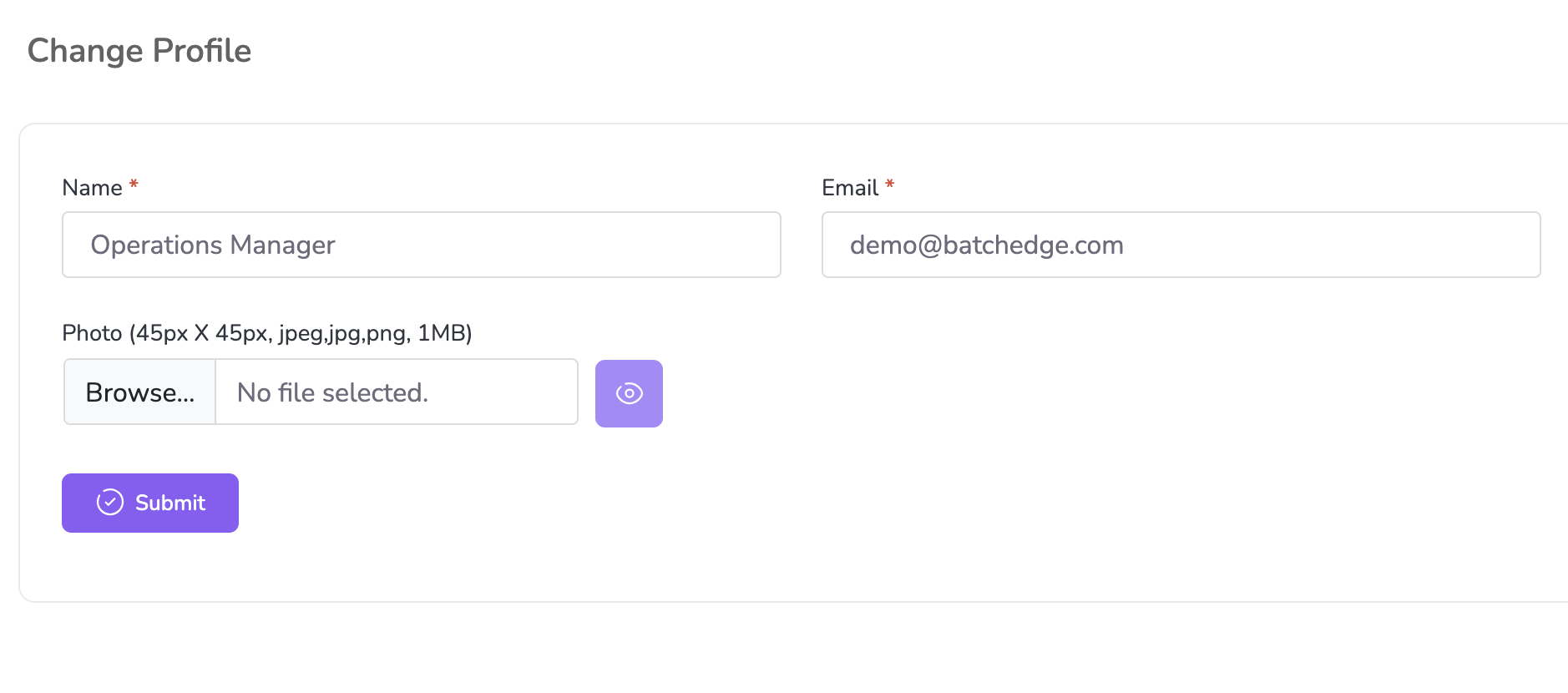
To update your profile information (name, username, email, phone number, or profile photo), follow these steps:
Navigate to User Profile:
Click on the User Profile section located in the top-right corner of the screen.
Select “Change Profile” from the dropdown menu.
Edit Your Details:
Update the fields for Name, Email, Phone, Username, or Profile Photo as needed.
Save Changes:
Once all changes are made, click “Save” or “Update”.
A confirmation message, "Information has been updated successfully!", will appear once the changes are saved.