To reset your password using your security question, follow these steps:
Navigate to Forgot Password:
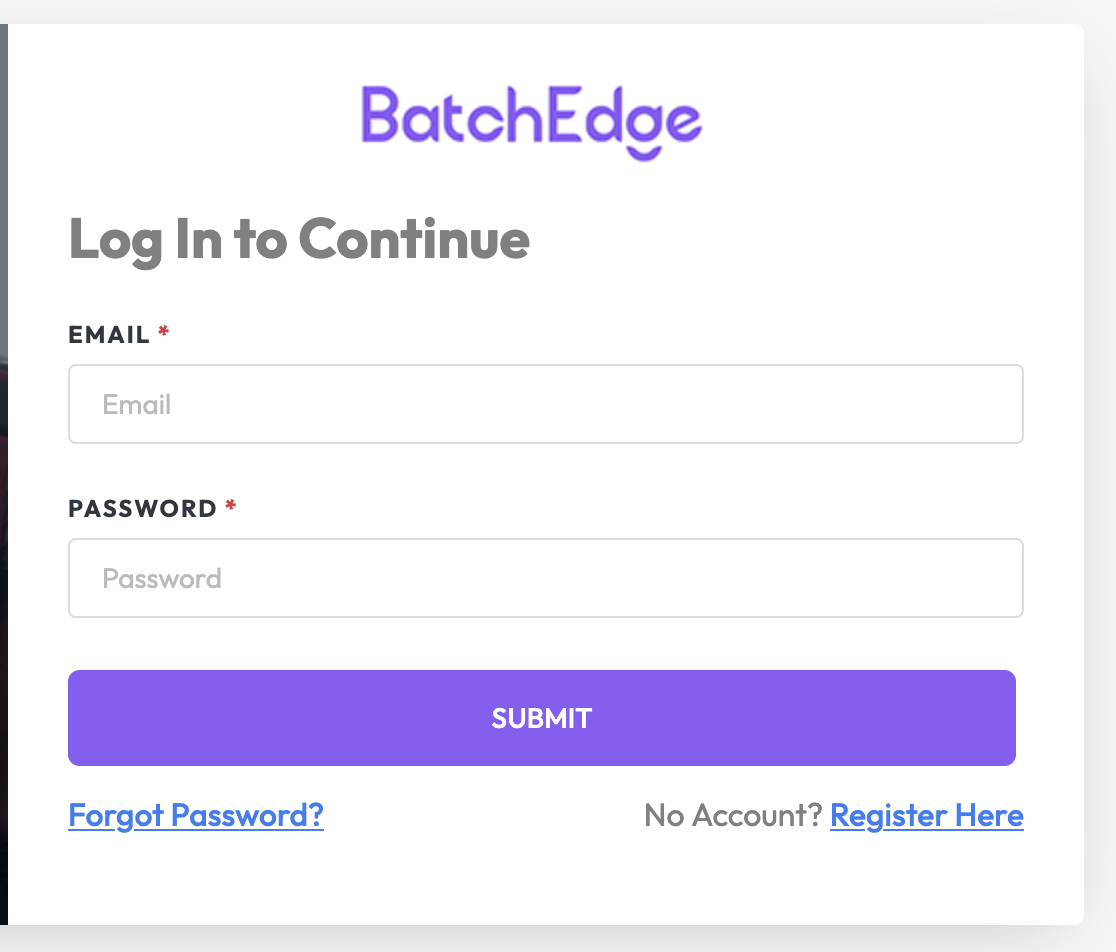
Go to the Login Page and click on “Forgot Password?”.
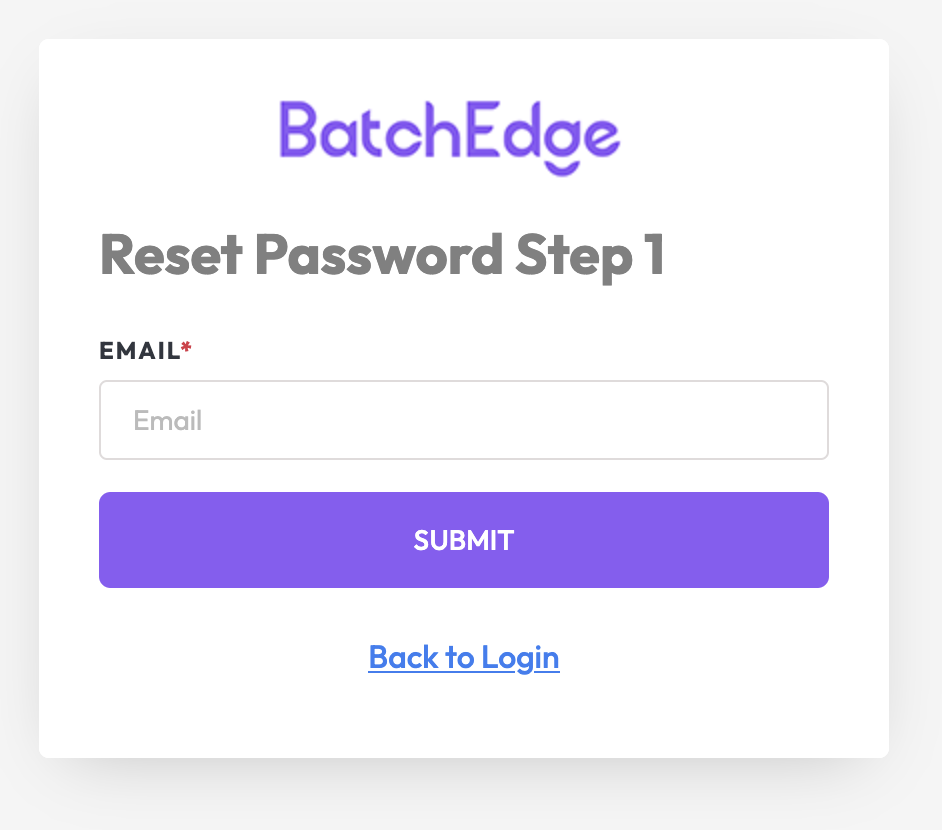
Step 1: Verify Your Email:
Enter your Email Address and click “Submit”.
If the email is registered, the system will redirect you to the next step.
Step 2: Answer Security Question:
Select your previously set Security Question from the dropdown menu.
Enter the Answer and click “Submit”.
If both the question and answer are correct, you’ll proceed to the next step.
Step 3: Set a New Password:
Enter your New Password and confirm it in the Confirm Password field.
Click “Submit” to save your new password.
Completion:
A confirmation message will appear, and you’ll be redirected to the Login Page.
Use your email and new password to log in.